AI Photo Editor for Creators
Just need to resize? Open the free image resizerInstagram sizesYouTube sizes
Instasize is a photo editor for online sellers and creators on web, iOS and Android. Resize and crop for free; remove backgrounds, expand photos and generate images with paid AI plans that start with a free trial.
Trusted by teams at



Size guides
Resize images for any platform
01
Image Resizer
Transform the way you handle images with Instasize, where the power to quickly resize images is at your fingertips. No more waiting on designers or wrestling with complex software. Our image resizer puts you in control to achieve the perfect size in seconds, not hours.
02
AI Image Expand
Quickly extend and expand your photos without cropping. Enlarge your photos in seconds, and include everything you missed the first time around. It's the perfect way to ensure your pictures capture the whole story.
03
Background Remover
Instantly clean up your photos with our Background Remover tool. It's a simple, fast way to cut out the clutter and focus on what matters in your images. Perfect for creating professional-looking portraits, product photos, or any time you need a sleek, distraction-free background.
04
AI Image Upscaler
From blurry to high resolution with our Image Upscaler. Our Image Upscaler uses AI to increase the resolution of your photos, making them sharper, clearer, and ready for high-quality prints or digital displays.
05
Image Converter
Tired of struggling with incompatible image formats that slow down your workflow? Our Image Converter is designed to eliminate this frustration by offering seamless conversion across various formats, including JPG, PNG, WEBP, and more.
06
Image Compressor
Compress your image file size for any platform is a breeze with our image compressor. Compress your images for faster uploads and optimized storage, all while maintaining the high-definition quality your visuals deserve.
Instasize pricing: free editing and paid AI plans
Resize, crop, add text and work with layers for free. Paid plans include an AI usage allowance, background removal and access to image and video models. First-time subscribers can start with a free trial.
Free
Essential tools for casual creators.
Free forever
- Resize, crop, text and layers
- Batch resize & convert, 200 photos at a time
- HD export
- No AI features: AI edits are part of Pro
Pro
PopularEssential AI tools for creators
Billed monthly
Annual option: $299.99 billed yearly.
- More AI usage
- Batch background removal, 200 photos at a time
- 2 generations at a time
- AI Chat Editing
- All AI image models
- All AI video models
Ultimate
Advanced features for professionals
Billed monthly
Annual option: $499 billed yearly.
- More AI usage
- Batch background removal, 200 photos at a time
- 4 generations at a time
- AI Chat Editing
- All AI image models
- All AI video models
Max
Maximum power and speed
Billed monthly
Annual option: $2199 billed yearly.
- More AI usage
- Batch background removal, 200 photos at a time
- 8 generations at a time
- AI Chat Editing
- All AI image models
- All AI video models
One of my go-to apps
Great app for filtering photos and even greater app for sizing pictures for not only posts but story photos as well... love this app I mainly use insta size for all my posts now ;)
Fast and Straightforward
Resizing photos for social media should be a cinch, but most editing programs are a pain to use. Of the dozen I’ve used, Instasize is the fastest, easiest and most consistent...
Great Sizes
Perfect app for the exact social media picture sizes. Love it. I use it daily. & I like the premade options they give you for different social medias!
I love instasize
Its the best app. for sizing photos to fit for Instagram or other forms of social media. You can also edit photos and create collages with multiple photos. It’s had been my friend for several years!
Always helpful
Always helpful when needing to resize photos
Huge fan
I love this app. Makes posting all types of photos. Love how it makes them fit on different formats
I’ve been using for years. Can’t work without it.
I use this app everyday to perfectly resize images for all of my social media platforms
LOVE
This app saved the day for me! I’m finally able to resize my photos for IG....effortlessly
Great App
We use this App weekly to resize pics for social media posts. Very user friendly, easy to use program when you want to get in and out quickly...
What is an AI photo editor?
An AI photo editor uses artificial intelligence to help you edit, enhance, and generate images. It can automatically remove backgrounds, upscale photos to 4K, expand images, generate photos from text descriptions, and perform professional-quality edits—all without requiring design skills or complex software.
Can I generate images from text?
Yes! Our AI image generator creates original photos from your text descriptions. Simply describe what you want to see, and the AI will generate a unique image based on your prompt. Perfect for creating social media content, marketing visuals, or exploring creative ideas.
How do I remove backgrounds from photos?
Our AI automatically detects and removes backgrounds in seconds. Just upload your image, and the AI will instantly isolate the subject and remove the background. You can then download the image with a transparent background as a PNG file.
What is AI image upscaling?
AI upscaling uses machine learning to increase image resolution while maintaining or even enhancing quality. Unlike traditional resizing that just stretches pixels, our AI analyzes the image and intelligently adds detail to create sharp, clear 4K images from lower-resolution photos.
Can I expand or uncrop my photos?
Yes! Our AI image expansion tool can extend your photos beyond their original borders. The AI analyzes your image and generates new content that naturally extends the scene, perfect for fixing cropped photos or changing aspect ratios without losing important parts of the image.
Is Instasize free to use?
Yes. The editing tools are free with no limits — resizing, cropping, text and layers. AI features are part of the paid plans, which run on a daily pool of AI credits shown in the sidebar and on the Usage page; Pro starts with a free trial and includes every image and video model.
What image formats are supported?
Format support depends on the tool. The browser image resizer accepts JPG, PNG, and WebP files up to 10MB and exports JPG; other editors display their accepted formats during upload.
Do I need to download any software?
No! Instasize works entirely in your web browser. You can also use our free mobile apps for iOS and Android to edit and generate images on the go.
How do I resize images for social media?
Our AI photo editor includes preset dimensions for all major social platforms including Instagram, TikTok, Facebook, Twitter, and more. Simply select your platform, and we'll automatically resize your image to the perfect dimensions.
Can I use AI-generated images commercially?
Your permitted use depends on the source material, the selected AI model, and the current Instasize terms. Review the terms and confirm that you have rights to any uploaded source material before commercial use.
Size guides
Free Resize Guides
Looking to resize images for a specific platform? Start with the free Instagram image resizer or pick a platform below.
Compare all social media image sizesPopular sizes
- Instagram story size
- Instagram post size
- Instagram profile picture size
- Discord banner size
- Discord server icon size
- Discord emoji size
- WhatsApp DP size
- YouTube banner size
- YouTube Shorts thumbnail size
- YouTube post image size
- Twitter header size
- LinkedIn cover photo size
- Twitch emote size
- Facebook profile picture size
- Facebook cover photo size
- Zoom virtual background size
- iPhone wallpaper size
- TikTok profile picture size
- SoundCloud cover art size
- Twitter profile picture size
- YouTube end screen size
- Etsy listing photo size
- PowerPoint slide background size
- Google Slides background size
- Canva presentation size
- Spotify cover art size
- Patreon cover photo size
- Substack email banner size
- Ko-fi cover image size
- Telegram sticker size
- 400x400 pixels
Free tools
Explore Free Creative Tools
Everything you need to make your photos stand out with our free photo editing tools
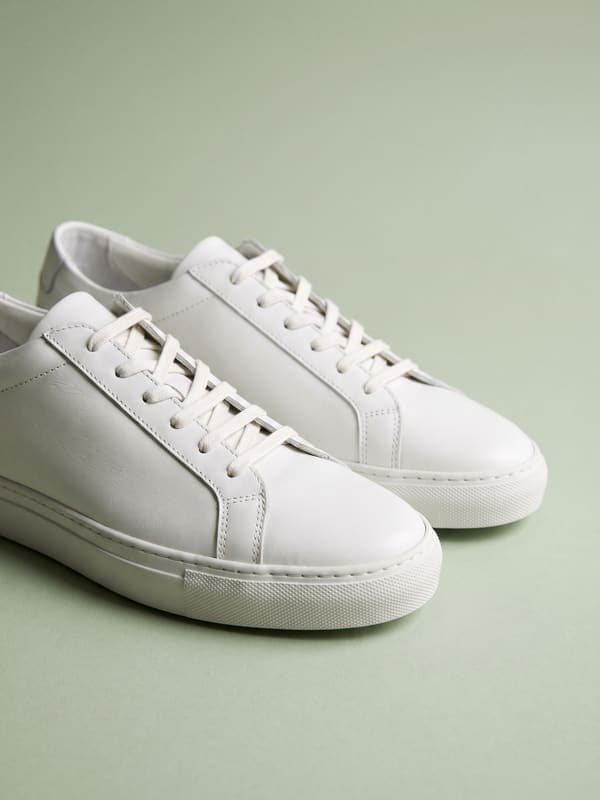
AI Photo Editor
Edit photos by describing what you want. Remove backgrounds, resize, enhance, add text, and more. Just type your edit in plain English.
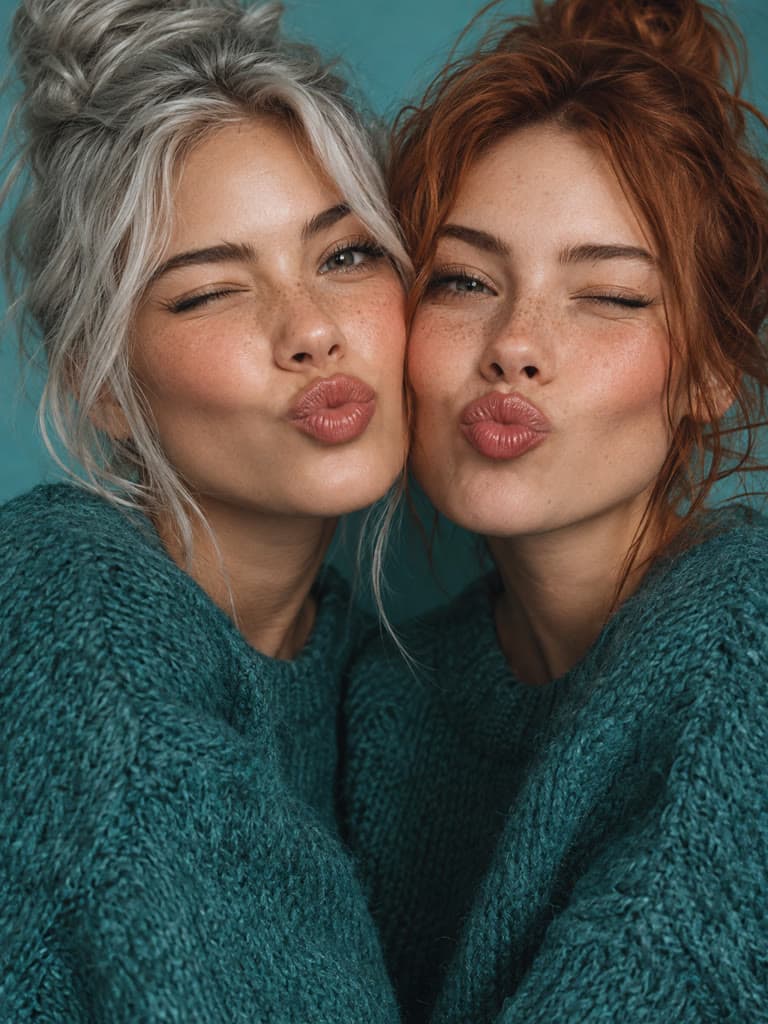
Face Swap
Create an AI face-swap image from uploaded photos. Results vary with lighting, pose, source quality, and the faces in each image.
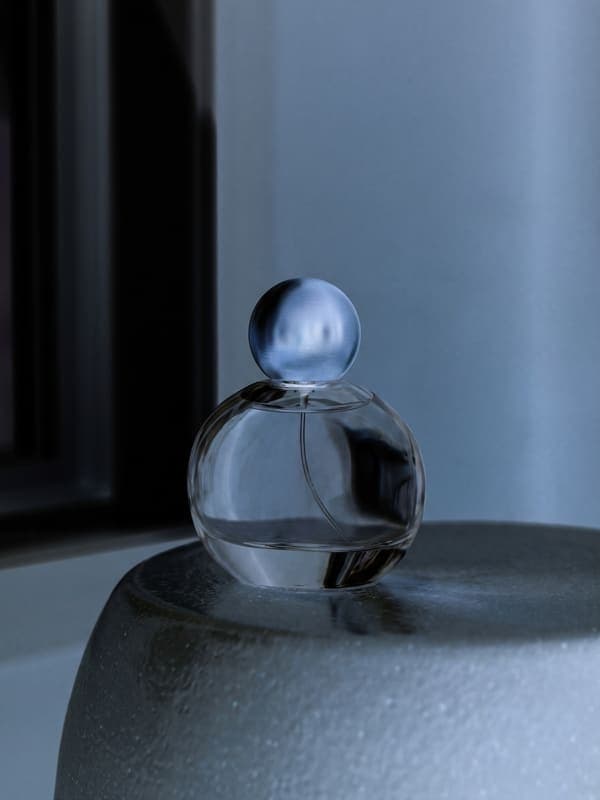
Photo Inverter
Invert image colors online for free. Create a negative photo, adjust intensity, or target selected colors privately in your browser with no signup.
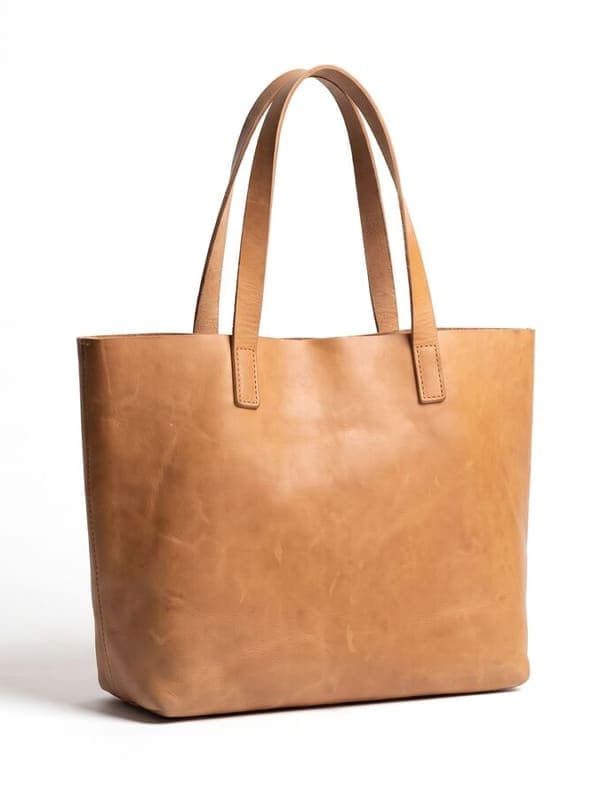
Image Resizer
Resize JPG, PNG, and WebP images online. Enter custom dimensions or use presets for Instagram, TikTok, YouTube, and more.
Weighing up the options? Best photo editing apps for Instagram compares Instasize with Canva, Picsart, VSCO, Lightroom, and Snapseed using each vendor's own published terms.